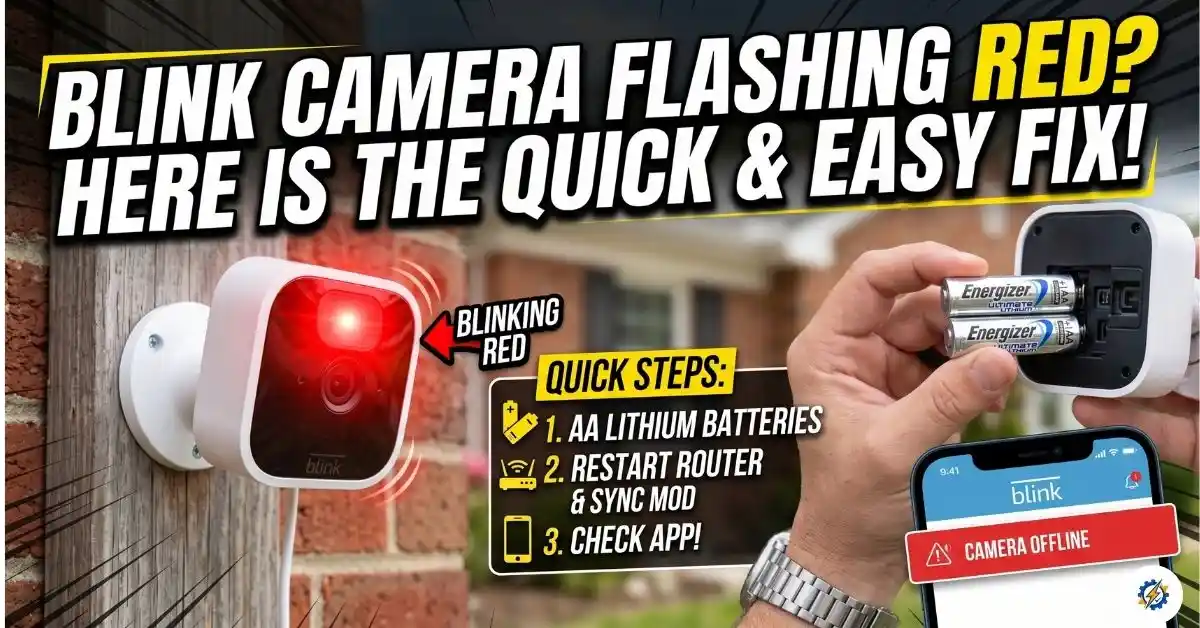
Blink Camera Red Light: Spotting a blinking red light on your Blink security camera can be incredibly frustrating, especially when you need your security footage the most. But don’t panic—that flashing red indicator definitely doesn’t mean your camera is bricked.
Whether you’re running a Blink Outdoor, Indoor, or a Blink Mini, this red light usually points to a routine technical hiccup. The most common culprits are dead 1.5V AA lithium batteries, a dropped Wi-Fi connection from your router, or a camera that’s stuck in setup mode.
You can easily verify your Sync Module’s status right inside the Blink app. In most cases, a quick battery swap or power cycling your network is all it takes to get your camera back online. Let’s break down how to pinpoint the exact cause of that red light and fix it in just a few minutes.
Blink Camera Red Light: Quick Fix
Before diving into heavy troubleshooting, here is the easiest and fastest way to fix that red light:
- Count the Flashes (Battery Fix): If the red light flashes 5 or 6 times after detecting motion, remove the old batteries and pop in two fresh AA Energizer Ultimate Lithium batteries.
- Check Your Wi-Fi: If the light is a steady, solid red, your camera has dropped its 2.4 GHz internet connection. Power cycle your home router and unplug your Blink Sync Module for 10 seconds before plugging it back in.
- During Setup: A blinking red light just means your camera is ready to connect. Simply follow the prompts in the Blink app.
Why Is My Blink Camera Flashing Red?
Before fixing the problem, it helps to understand what your camera is trying to tell you. Different red light patterns point straight to the root issue:
- Flashing Red (5 or 6 quick flashes): Your batteries are almost completely dead (battery drain).
- Solid Red Light: The camera cannot connect to your Wi-Fi network and has gone offline.
- Flashing Red During Setup: Your camera is in pairing mode and waiting to connect through the app.
- Short Red Flash (When motion is detected): The camera has detected movement and is recording. (This is perfectly normal on some models).
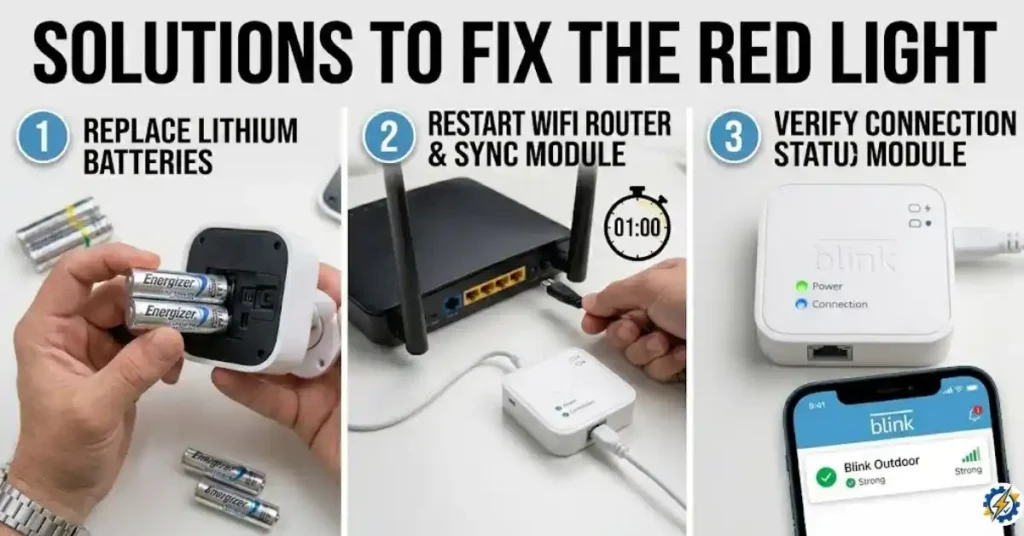
Step-by-Step Solutions (Detailed Troubleshooting)
Solution 1: Battery Replacement
If your camera flashes red 5 or 6 times quickly after detecting motion, your batteries are dying.
- Step 1: Remove the camera from its mount.
- Step 2: Open the back cover using the included tool or a flathead screwdriver.
- Step 3: Take out the old batteries.
- Step 4: Insert two new 1.5V AA Lithium batteries.
- Step 5: Put the cover back on and secure it tightly.
Solution 2: Reconnect to Wi-Fi (Fix Offline Status)
If your camera is showing a solid red light, it means it has dropped offline.
- Step 1: Check your phone to verify your 2.4 GHz Wi-Fi network is working properly (Blink cameras do not support 5 GHz networks).
- Step 2: Unplug your Blink Sync Module from the wall.
- Step 3: Wait for 10 seconds.
- Step 4: Plug the Sync Module back in. Wait until you see a solid green and a solid blue light.
- Step 5: Open the Blink app, tap on Device Settings, and check the camera’s Wi-Fi signal strength.
Solution 3: Hard Reset the Camera
If the red light issue persists after checking the batteries and Wi-Fi, you will need to perform a hard reset on the camera.
- Step 1: Open the back cover of your Blink camera.
- Step 2: Locate the small reset button inside the battery compartment.
- Step 3: Using a paperclip or pin, press and hold the reset button for 10 to 15 seconds until the red light starts flashing rapidly.
- Step 4: Open your Blink app, tap the + icon, and follow the on-screen steps to add the camera back to your system.
Frequently Asked Questions
Why is my Blink camera blinking red after replacing batteries? If your camera is still blinking red after a battery change, you might have used alkaline batteries instead of lithium batteries. If you used lithium batteries, the camera might be struggling to reconnect to Wi-Fi. Try resetting the camera.
How do I know if my Blink camera is recording? When a Blink camera is recording, it normally displays a solid blue light. You can turn this blue light off in the Device Settings under Status LED.
Does a red light mean someone is watching my Blink camera? No. A red light means there is a technical issue, like a low battery or bad internet. A blue light indicates active recording or Live View.